
How-to guides / Connect your till or shop
How to connect Shopify
Link your Shopify online shop to your card.
Takes about 10 minutes
Before you start
- You are the owner of the Shopify shop, or you can install apps on it.
- Your Shopify sign-in details.
The steps
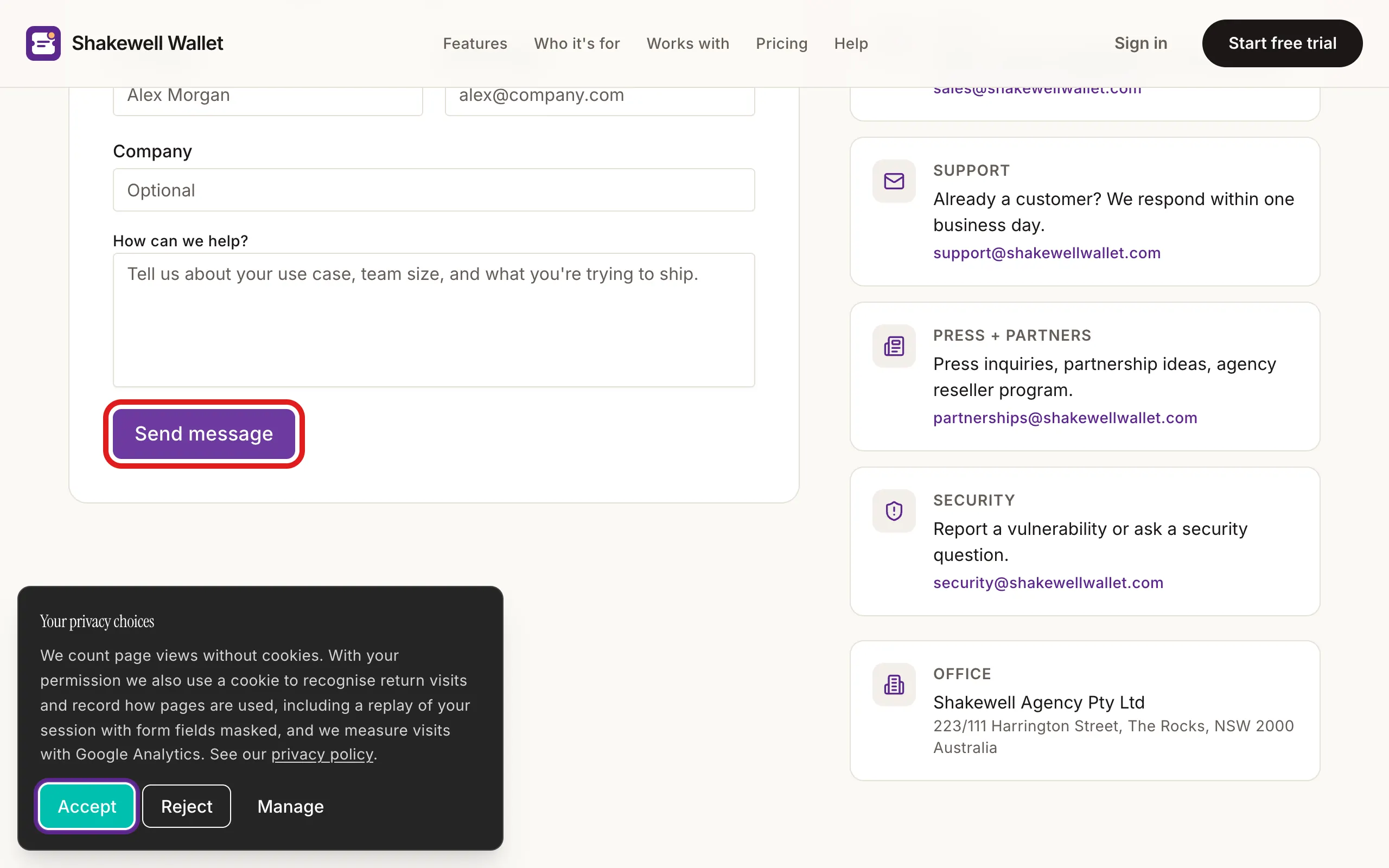
Step 1. Contact us and ask for the Shopify install link. Shakewell Wallet is on its way to the Shopify App Store. Until it is listed there, we send you the link.
We reply by email with the link.
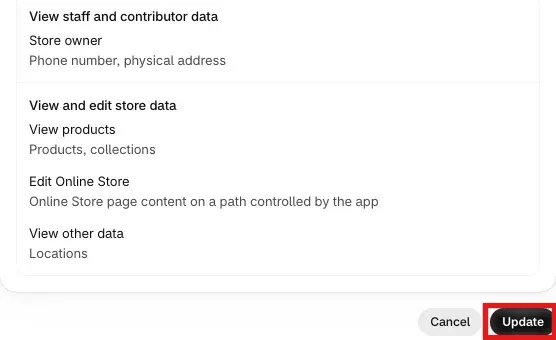
Step 2. Open the link. Read the access that Shopify shows you. Press the dark button at the bottom right to approve it.
The button says Install the first time you add the app.
Step 3. Choose a plan on the Shopify page that opens. Shopify takes the payment.

Step 4. Shakewell Wallet opens inside your Shopify admin. Press Create my first card.
In the Apps list in Shopify you see Shakewell Wallet.

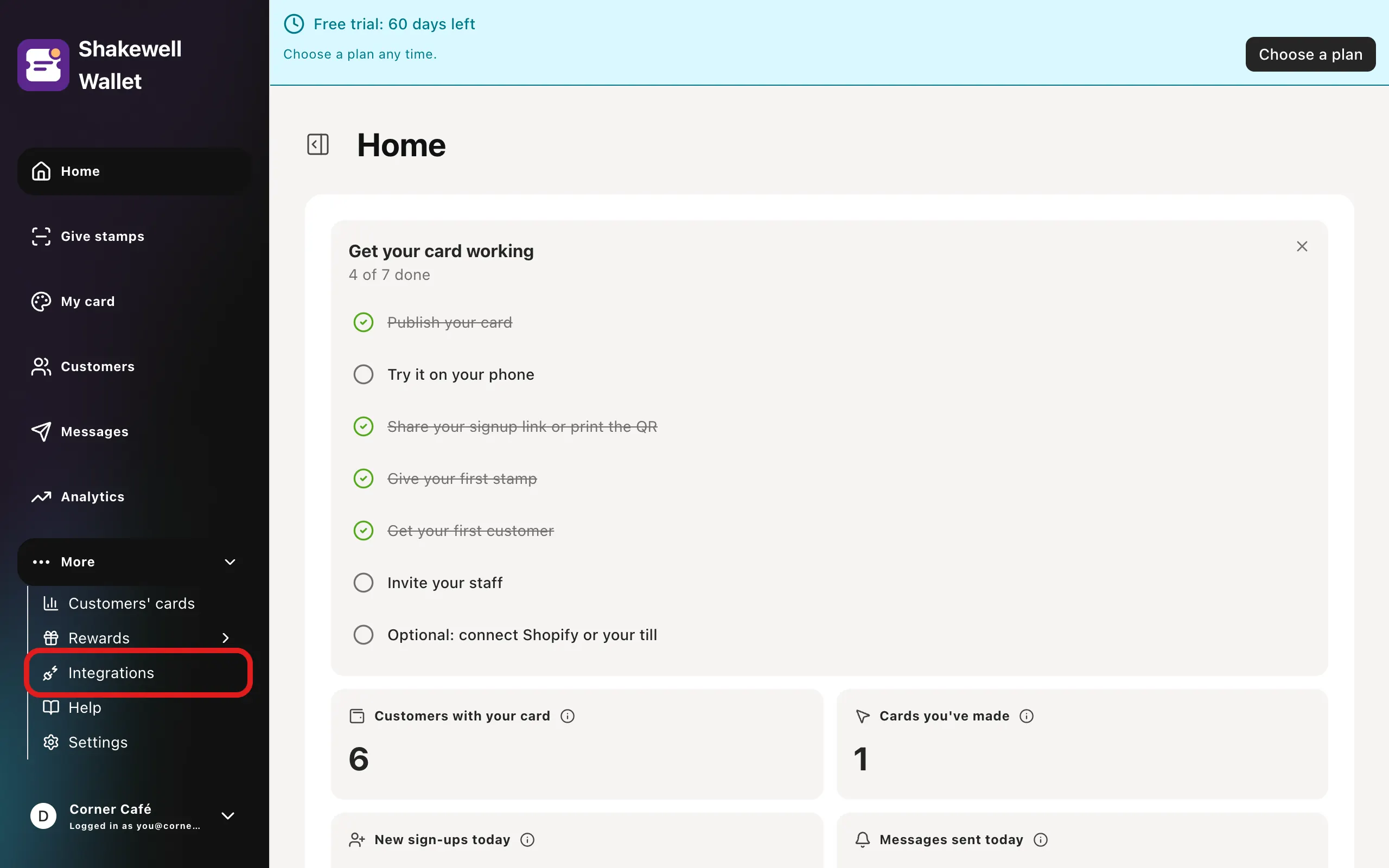
Step 5. Open Integrations in the Shakewell Wallet left menu.
Your shop is on the list.
You'll know it worked when
Your shop shows on the Integrations page.
Good to know
- This guide is short because the Shopify screens belong to Shopify. The full Shopify guide shows every step.
Stuck?
That is fine. Contact us and we will help you. We reply within one business day.
These guides may help: