
Square
What happens to points and stamps when I refund a Square sale?
Last updated 2026-11-26
Refund the sale in Square and Shakewell takes back the points in proportion, and the stamps too. A full refund can also give a used reward back.
You refund in Square, as you always do. There is nothing to do in Shakewell unless you want to turn on reward returns.
Steps
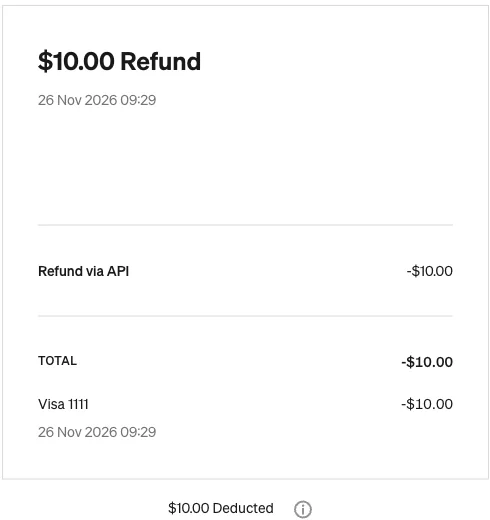
- Refund the sale in Square as you normally do.
- Shakewell hears about the completed refund from Square and takes back what the sale earned.
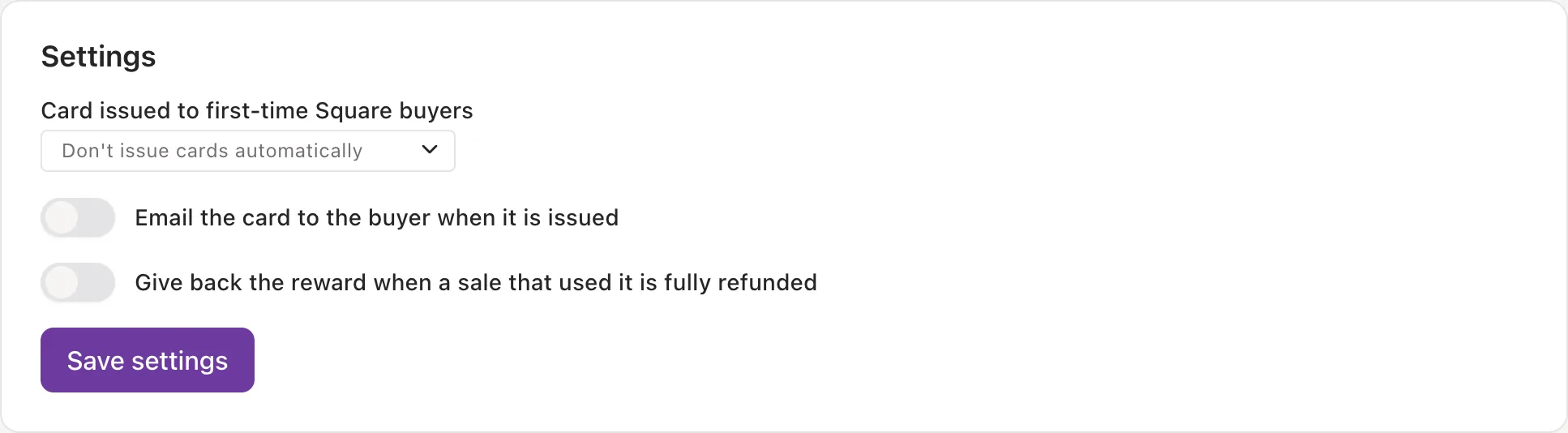
- To get a reward back too, open More, then Integrations, then Manage next to Square. Turn on Give back the reward when a sale that used it is fully refunded and choose Save settings.
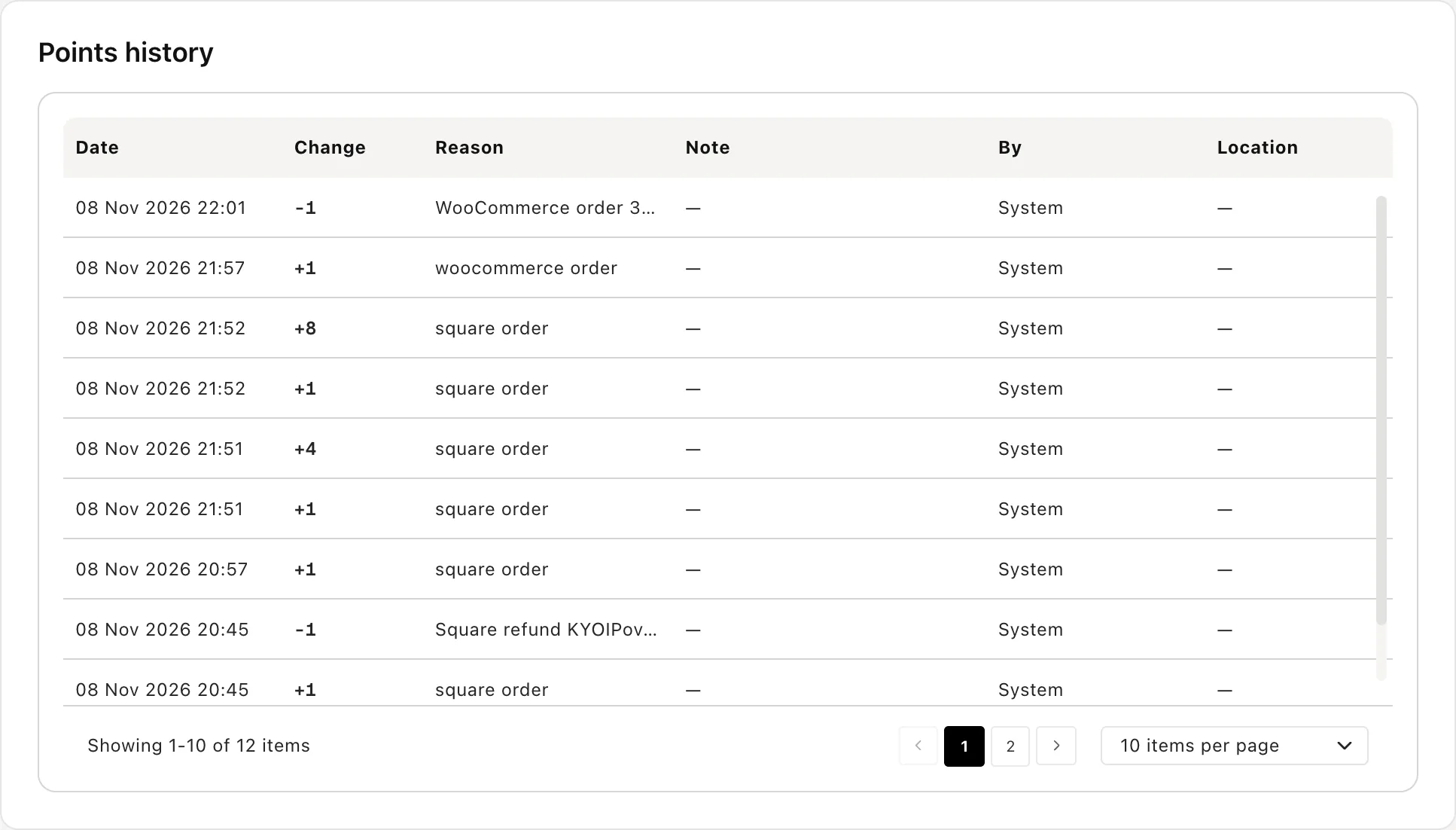
- To check, open Customers and choose the customer. Their Points history shows a new Square refund line with a minus number.
What comes back
- Points: the refunded share of what the sale earned, in whole points rounded down. If a sale earned 20 points and you refund half, 10 points are taken back. The last refund of a sale settles any rounding left over.
- Never more than the sale earned, and never more than the customer has left. A customer's balance does not go below zero.
- Stamps on a stamp card: when the refund lists the items, the stamps for those items come back. When the whole sale is refunded, they all come back.
- The visit stamp: it comes back once the whole sale has been refunded.
- Rewards: only when you turned on the setting above and the whole sale is refunded. The reward is available again.
- Points that were still waiting for a customer to add their card are cancelled on a full refund.
Good to know
- Each refund is applied once, however many times Square reports it.
- A sale that had no customer attached earned nothing, so there is nothing to take back.
- Only a completed refund counts. A refund that is still pending or failed changes nothing.
- If a refund reaches Shakewell before the sale has been counted, nothing is taken back, because nothing had been added yet.
Next: shared club cards.