
Square
How do customers earn points from Square sales?
Last updated 2026-11-26
Set your points per dollar under Rewards, then add the customer to the sale in Square. When the sale completes, the points land on their wallet card.
Before you start
- Square is connected. See how to connect Square.
- You have a published points card. Points, earning rules and rewards are on the Growth plan and above, and the free trial includes them.
Steps
- Publish a points card. In the left menu choose My card, then create a card with the type Loyalty Card.
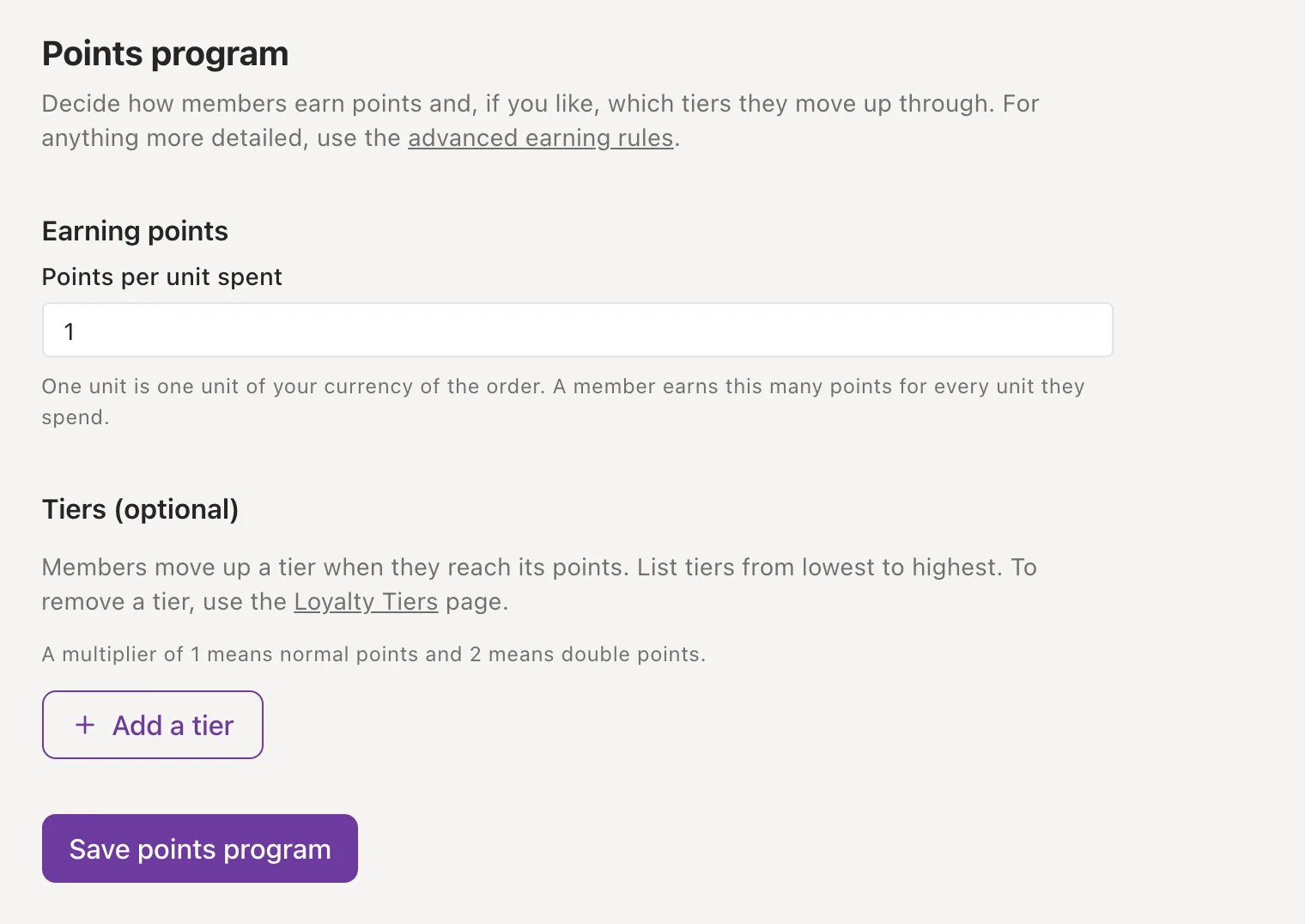
- Open More, then Rewards, then Points program.
- Enter how many Points per unit spent a customer earns. One unit is one dollar, pound or euro of the sale.
- Choose Save points program.
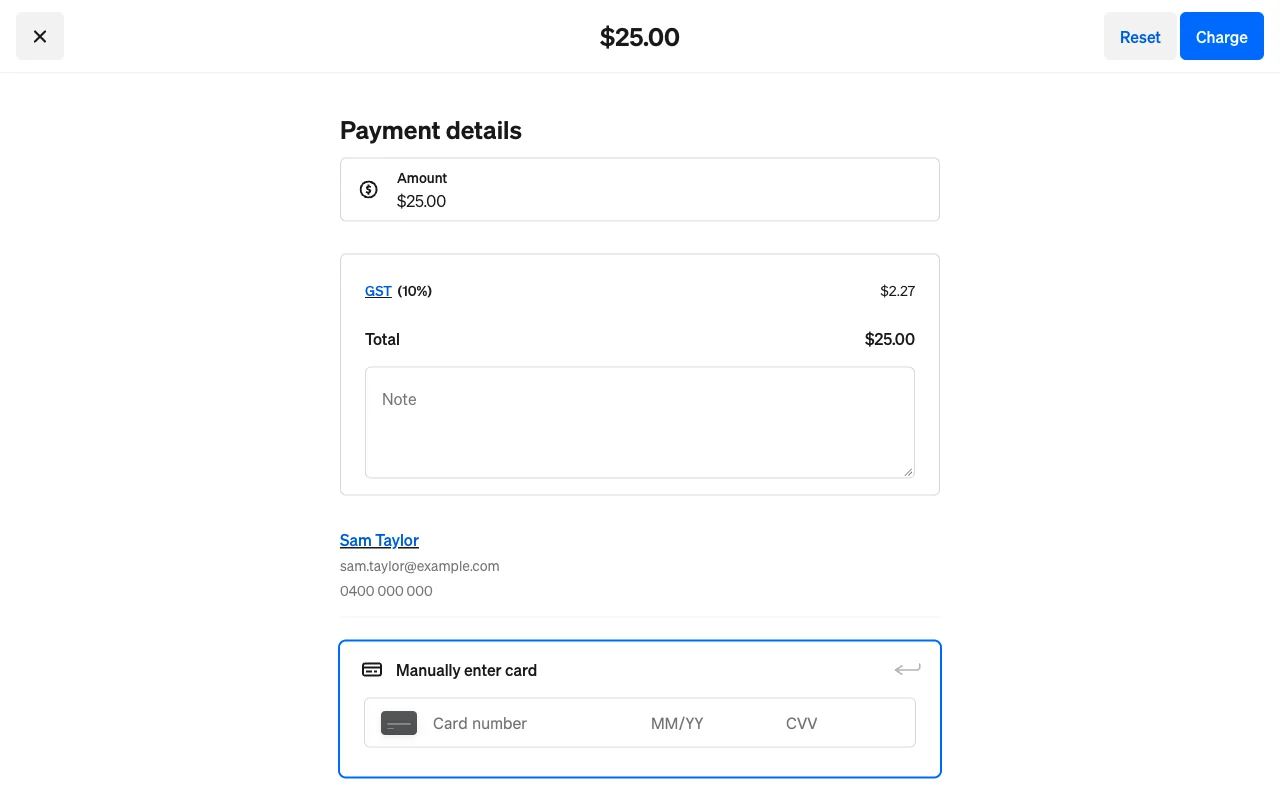
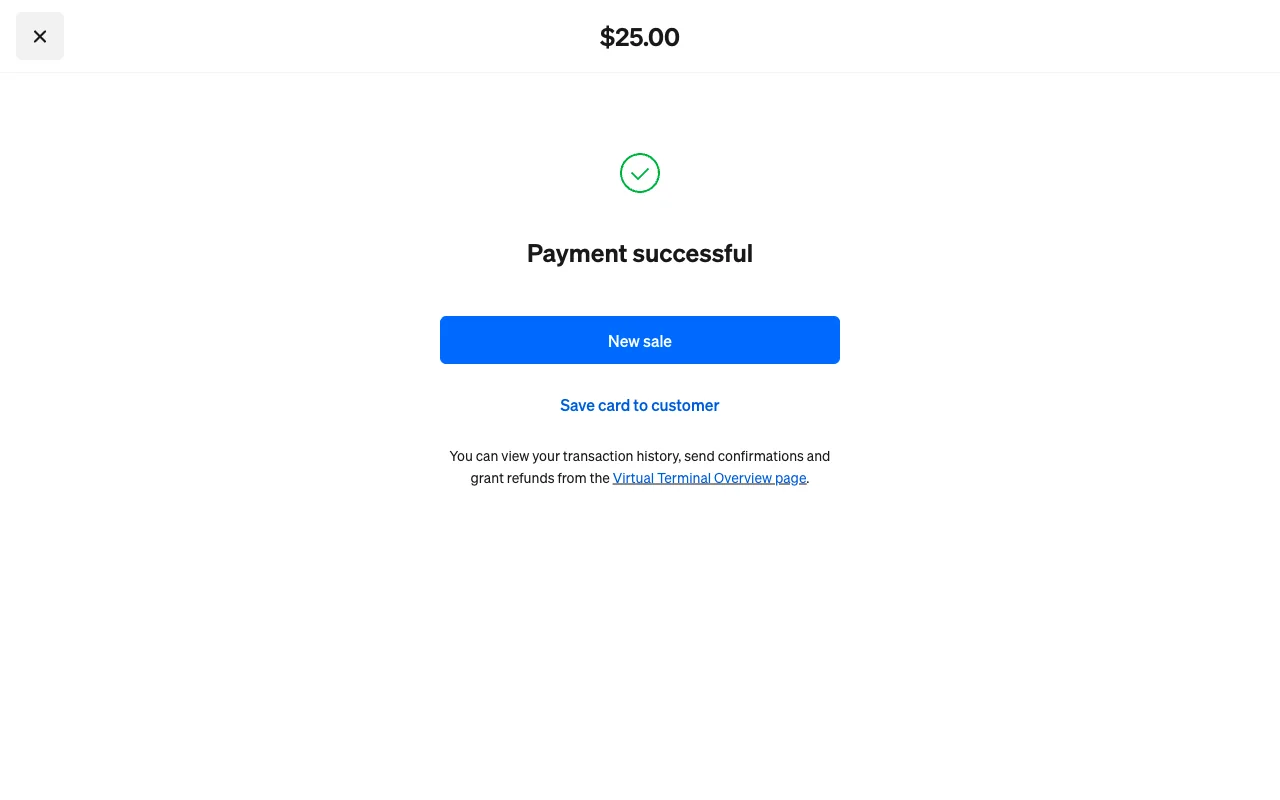
- At the Square till, add the customer to the sale and take payment as usual.
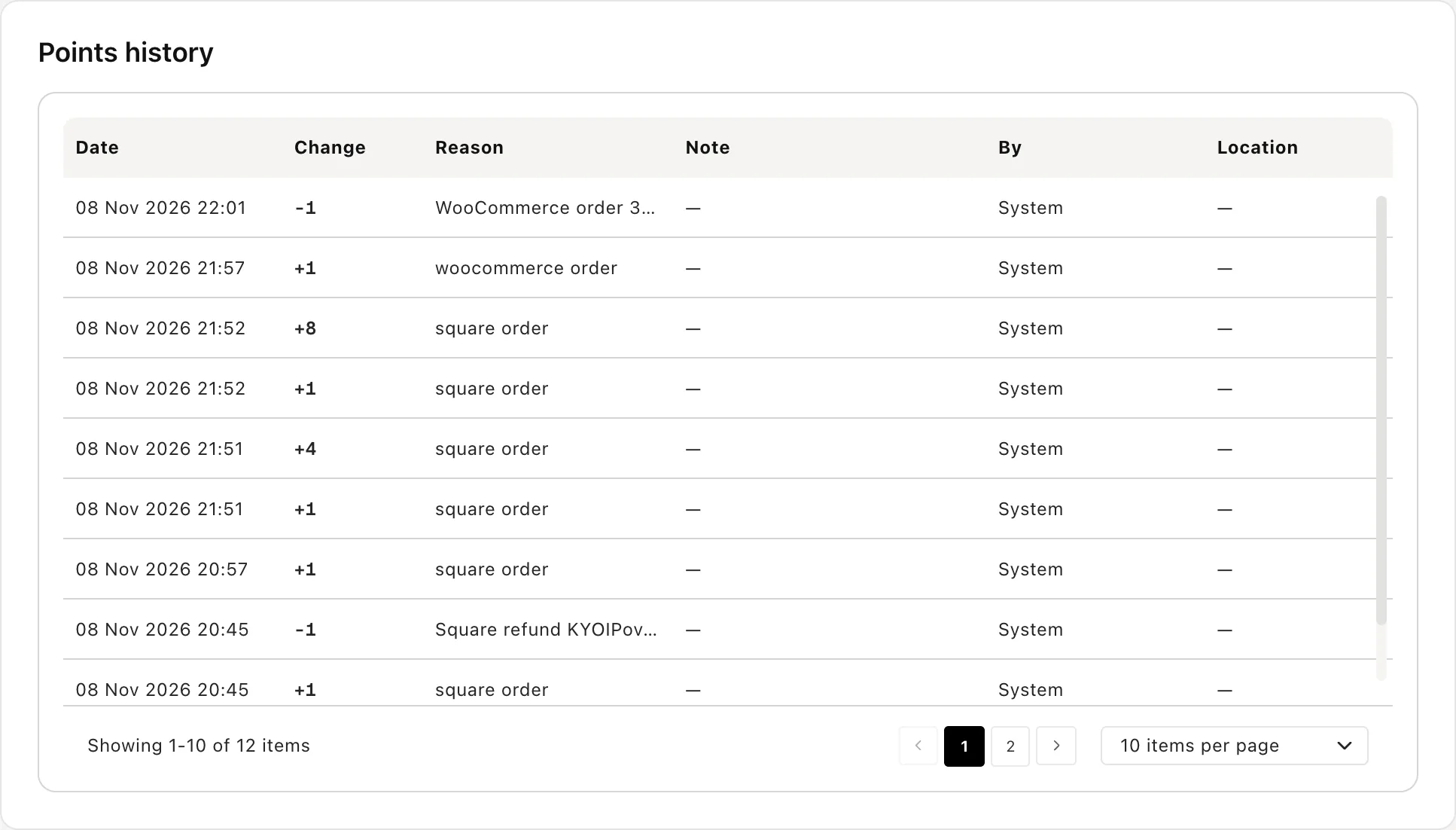
- In Shakewell, open Customers and choose the customer. Their Points history shows a new square order line.
How the points are worked out
- Shakewell uses the amount the customer paid, not counting any tip.
- If you set Points per unit spent, a customer earns that many points for every unit they spend.
- If you have not set up a points program or earning rules yet, a customer earns one point for each whole dollar of the sale, rounded down.
- Earning rules can add bonuses, such as double points or points by product. They apply to Square sales too.
Good to know
- Sales with no customer attached earn nothing. If staff add the customer just after taking payment, Shakewell checks the sale once more after about a minute and still counts it.
- Square finds the customer in Shakewell by the email address on their Square customer record. If there is no match it tries their phone number. A customer found by phone earns only if their Shakewell record has an email address. Without one they are found, but the sale earns nothing.
- Square keeps a phone number exactly as it was typed. Shakewell can use a number that starts with + and a country code, or a local number that starts with 0 for stores in Australia, New Zealand, the UK, Ireland, Japan, France and Spain. Other numbers are ignored rather than guessed.
- A customer who is in Shakewell but has not added their card yet still earns. The points wait and are added when they add the card.
- A customer who is not in Shakewell at all earns nothing, unless you enrol customers automatically.
- A sale that totals nothing earns nothing.
If the points do not show up
- Check the sale had a customer attached in Square.
- Check the customer's email or phone number in Square matches what Shakewell has, and that the customer has an email address in Shakewell.
- Check Last error on the Square page says None.