
Square
How do I enrol customers from Square automatically?
Last updated 2026-11-26
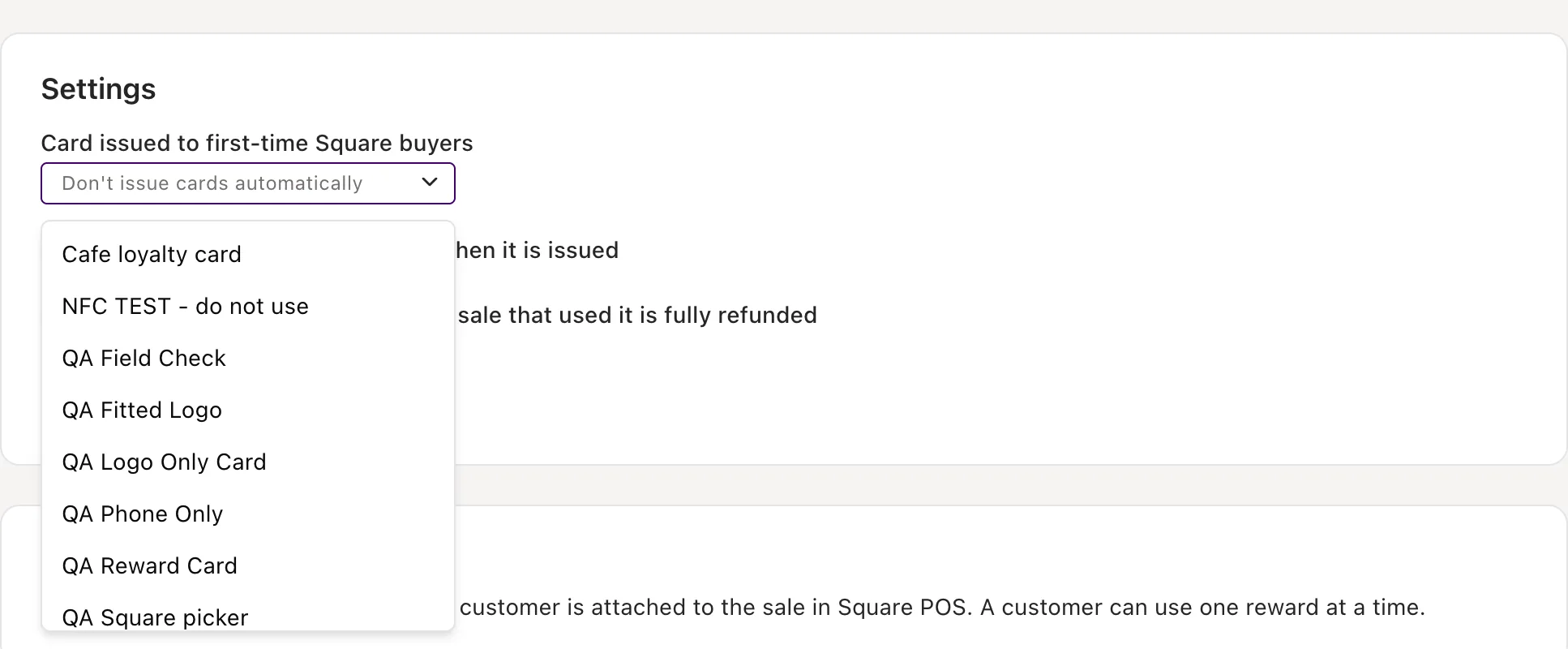
Choose a card under Card issued to first-time Square buyers on the Square page. A customer who buys with their email address or phone number on the sale is given that card. The sale earns only if they have an email address.
Without this setting, only customers who already have a Shakewell card earn at the till. Turn it on and a customer's first sale gives them a card. If their Square record has an email address, that same sale earns.
Steps
- Publish the card you want new customers to get. In the left menu choose My card and check the card shows Published.
- Open More, then Integrations, then Manage next to Square.
- Under Settings, open Card issued to first-time Square buyers and choose your card.
- Optional: turn on Email the card to the buyer when it is issued.
- Choose Save settings.
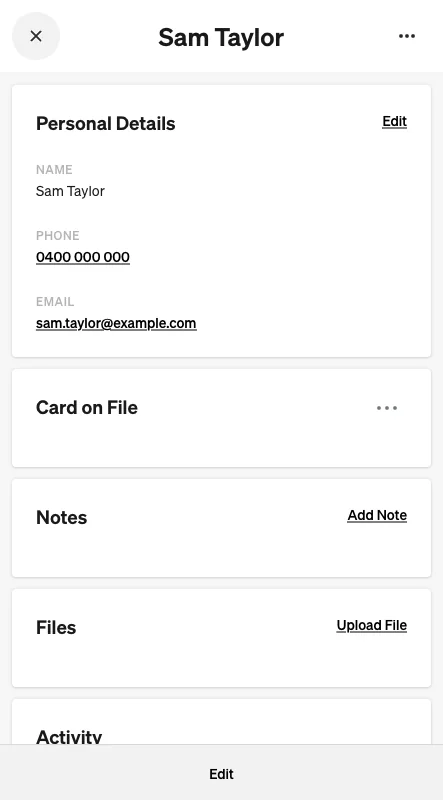
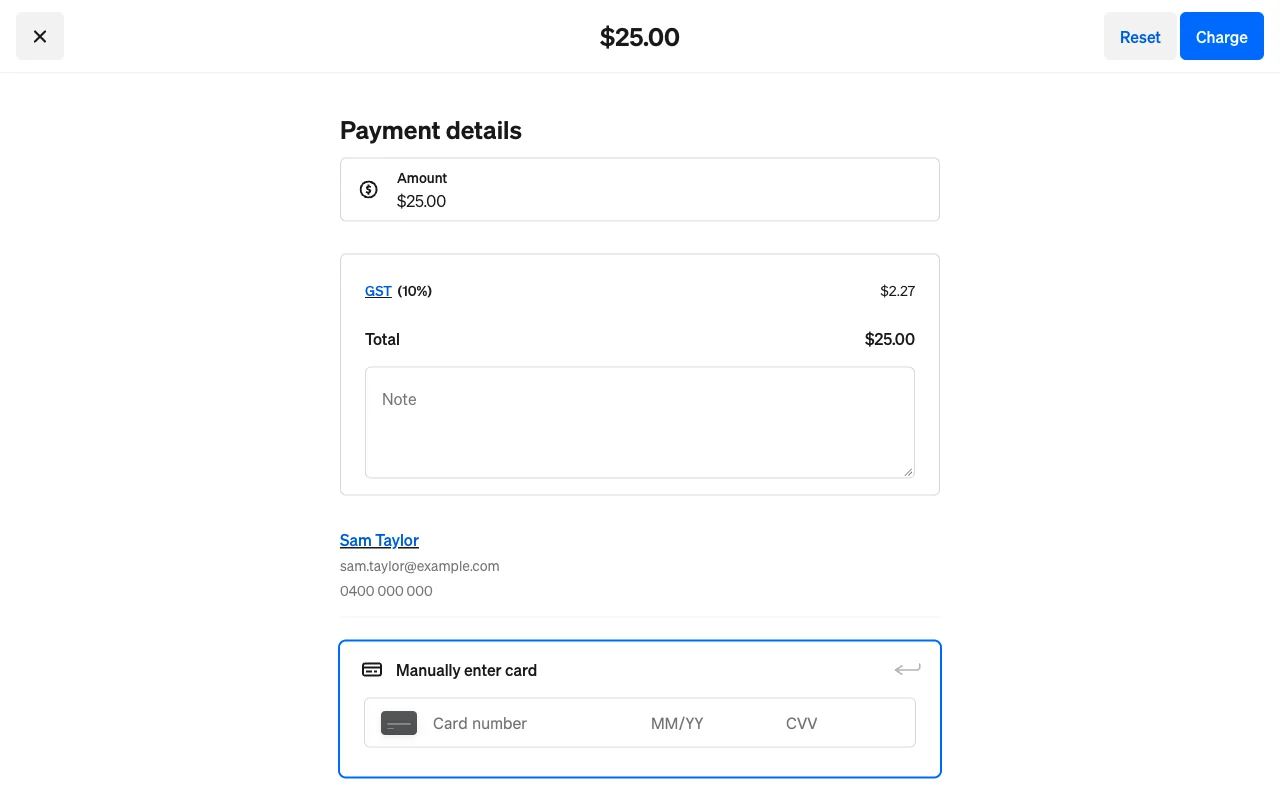
- At the till, add the customer to the sale in Square. For their sales to earn, their Square record needs an email address before they pay. A customer with only a phone number still gets a card, but their sales do not earn yet.
What Shakewell does
- It acts on a purchase only. A customer who is just added to your Square customer list is not given a card until they buy something.
- A customer who already has a card, matched by email address and then by phone number, is not given a second one.
- The card must be published and active. If it was unpublished or deleted, nobody is enrolled.
- If you turned on the email option, a new customer gets an email with a link to add the card to their wallet. If you did not, the card is created without telling them. You can send it later with Resend pass on the customer's page.
- If your plan's card limit is full, no new card is issued.
What Shakewell cannot do
- A sale with no customer attached enrols nobody.
- A Square customer with no email address and no phone number is not enrolled.
- A customer with only a phone number gets a card, but their sales do not earn yet. Adding an email address in Square afterwards does not change this, and sales already made are not credited later. Ask customers for their email address at the till so their first sale earns.
To stop enrolling, open the same list and choose Don't issue cards automatically, then Save settings. Cards already issued are not removed.
Next: give stamps for Square items.