
Shopify
What happens to points when I refund a Shopify order?
Last updated 2026-11-26
Shakewell takes back what the order earned. A cancelled order is reversed in full. A refund takes back the matching share of the points.
Steps
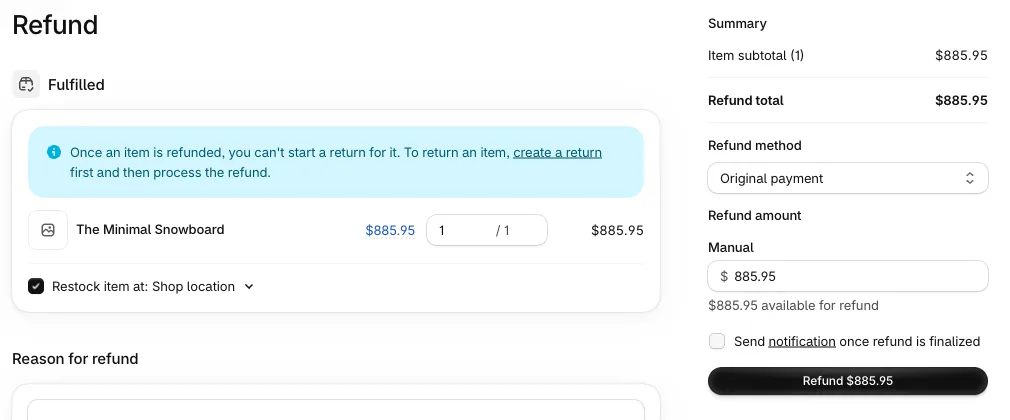
- Refund or cancel the order in Shopify as you normally do.
- Shopify tells Shakewell, and Shakewell takes back what the order earned.
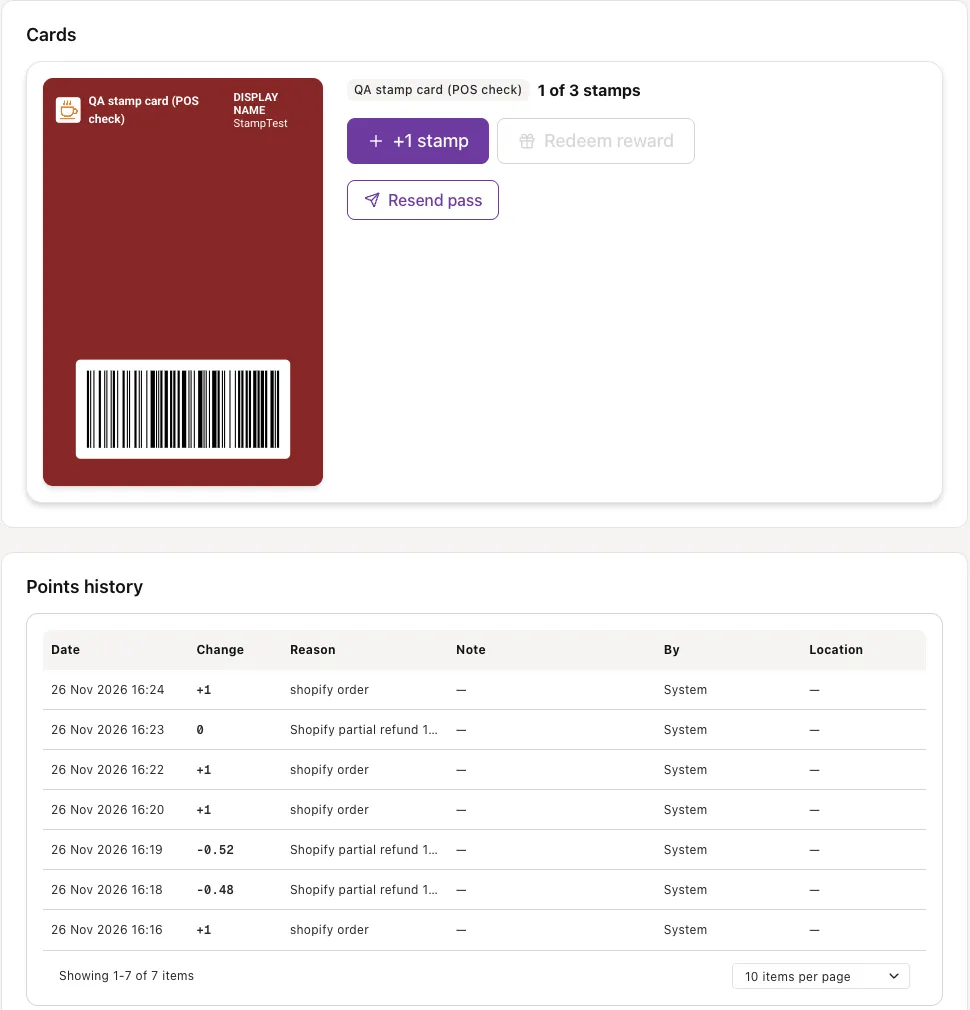
- To check, open Customers and choose the customer. Their Points history shows a new line with a minus number.
What is taken back
- A cancelled order: all of the points it earned.
- A refund of part of an order: the matching share of the points. Refund half the order and half the points go back.
- A stamp from a stamp rule, when you count Per qualifying item: one stamp for each refunded item. When you count Per visit, the stamp comes off once a single refund covers every ticked product on the order.
- A card that is already full keeps its stamps. Shakewell leaves it for you to check.
- Online orders and POS returns are treated the same way, because Shopify reports both as refunds.
Good to know
- Each refund is taken back once, even if Shopify sends the news twice.
- A cancel that arrives before the order has earned anything has nothing to take back.
Next: billing through Shopify.